Choose a place you can manage
“Observe the light and wind where the pot will actually stand… Check that the surface is level and that the container cannot fall into a walkway.”
Look at: where the pot stands on the paving.
The Survival Book · Offline Guides to Rebuilding
An illustrated field guide for your household, stored on your phone. Clear steps for the first 24 hours, water, first aid and more. Free to start.
Send us an email and we add you to our list. We write when the app launches and when we release new guides. Ask us to remove you at any time. Privacy
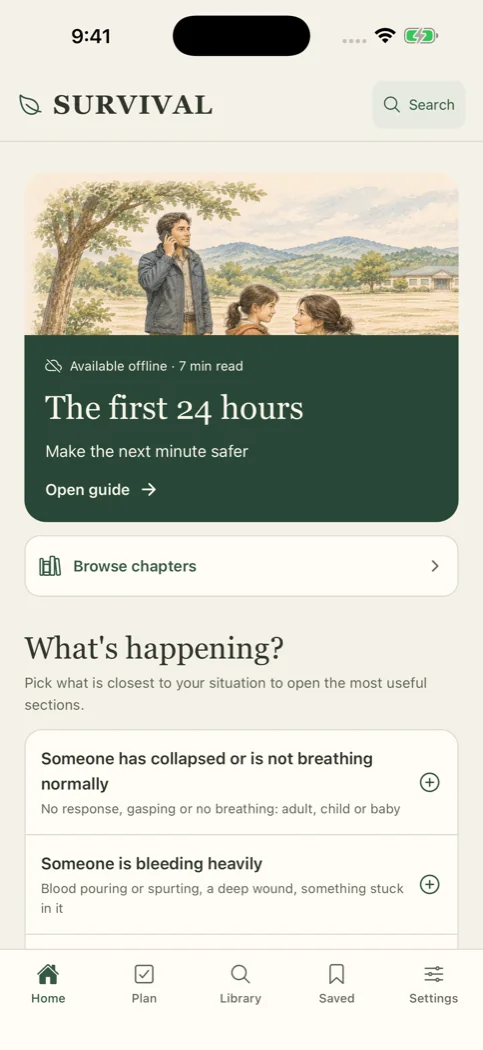
Opens in airplane mode
Storms, power cuts and network outages happen. When they do, a web search may not load. This guide does not need one.
Every guide, drawing and search result is inside the app. Reading and search work in airplane mode.
There is no account. No login screen can stop you from opening a guide when you are offline.
Bookmarks, notes and progress stay on the device. Save a backup file only when you choose.
Check it yourself in 10 seconds. After you install it, turn on airplane mode and open any guide.
Short sections. A drawing for each step. Cautions where they matter.
One guide sits on the home screen. It starts with the next minute, then the next hour, then the day. Tap Read aloud to keep your hands free.
Choose the situation closest to yours. The app opens the sections that help most.
Enter who lives with you and how many days to cover. The planner estimates the water and meals to keep at home.
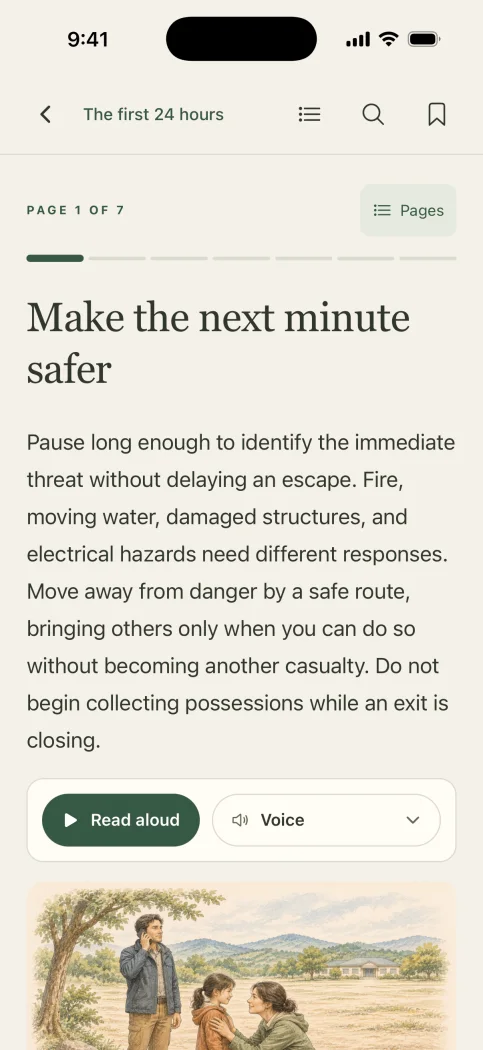
Inside a guide
Three checks from the guide “Grow food in containers”. As you scroll, the scene goes quiet, the view moves in, and a ring marks the detail each step names.
“Observe the light and wind where the pot will actually stand… Check that the surface is level and that the container cannot fall into a walkway.”
Look at: where the pot stands on the paving.
“Notice whether water enters the mix or runs around its edges.”
Look at: where the water meets the mix.
“Keep drainage openings clear, and empty collected water… A saucer can fill even when the centre of the mix is dry.”
Look at: the drip into the saucer.
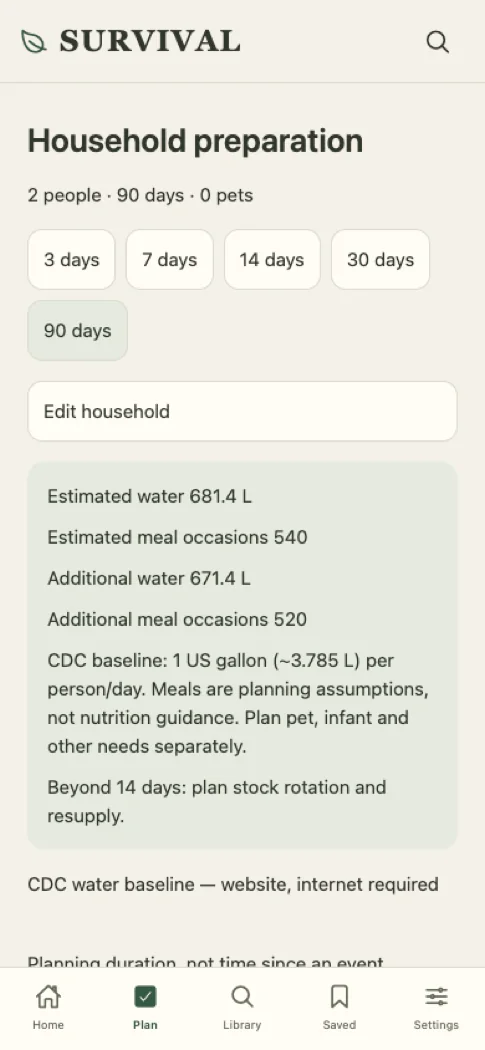
In an emergency you need the same clear steps every time, not a new guess.
Each guide is written text with drawings. Everyone who opens it reads the same steps.
Guides say where to take care and when to get help. They name the public sources they use, such as the CDC water baseline.
Start with getting through a disruption. Then go on to food, tools, building and passing skills on. Search finds the right section without a connection.
Make an evacuation plan, pack a document pouch, run a household drill.
Store and budget water, check a source, act on a water notice.
Check a first-aid kit. Keep a sheet for medicines and devices.
Set up check-ins, plan for pets and children, share the work.
Read a paper map, take a compass bearing, keep a weather record.
Set up a battery radio, relay a message, signal with a light.
Crops, soil and seeds · Food preservation · Animals and pollination · Tools and repairs · Thread and cloth · Glass and optics · Transport
Earth building · Timber buildings · Clay and kilns · Metalwork · Water machines · Electricity and stored energy · Measurement · Materials
Paper and durable records · Fair decisions and exchange · Art, music and shared culture
New guides arrive with app updates and work offline like the rest.
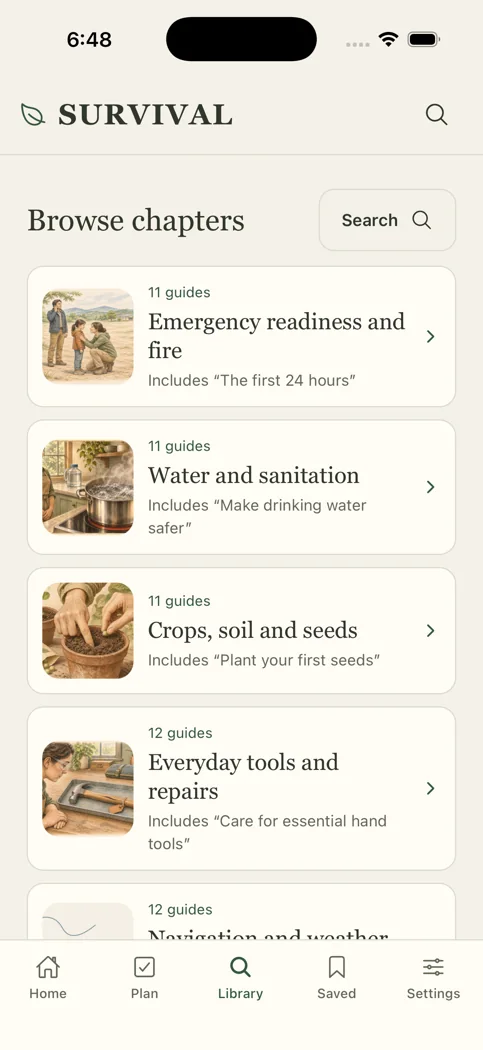
Ten editions, with right-to-left reading in Arabic. You can compare any translated guide with the English source.
Something else? Contact support.
Yes. The guides, drawings and search are installed with the app. After you install it, reading and search need no connection. Check it: turn on airplane mode and open a guide.
No account. Bookmarks, notes and progress stay on your phone, and Kingly does not receive them. Your device backup, a supported phone-to-phone transfer, or a backup file you export can copy them elsewhere. An exported file is plain, readable JSON.
It is not a substitute for professional medical care or emergency services.
In an emergency, call your local emergency number if you can and follow the dispatcher’s instructions.
iPhone, iPad and Android phones. All of them get the same library and the same reader. New and corrected guides come with app updates.
We email you on the day The Survival Book is in the App Store and Google Play, and when we release new guides.
Send us an email and we add you to our list. We write when the app launches and when we release new guides. Ask us to remove you at any time. Privacy